 Aispanvok
VoxLoom: A Free Alternative to ElevenLabs and WisprFlow
On this page
If you have looked at AI voice tooling recently, you have probably seen the same two names everywhere. ElevenLabs owns speech output — realistic text-to-speech and voice cloning, billed per character in the cloud. WisprFlow owns speech input — AI dictation that types what you say, at $144 a year, also in the cloud. Between them they cover the whole voice I/O loop, and both of them sit on somebody else’s servers.
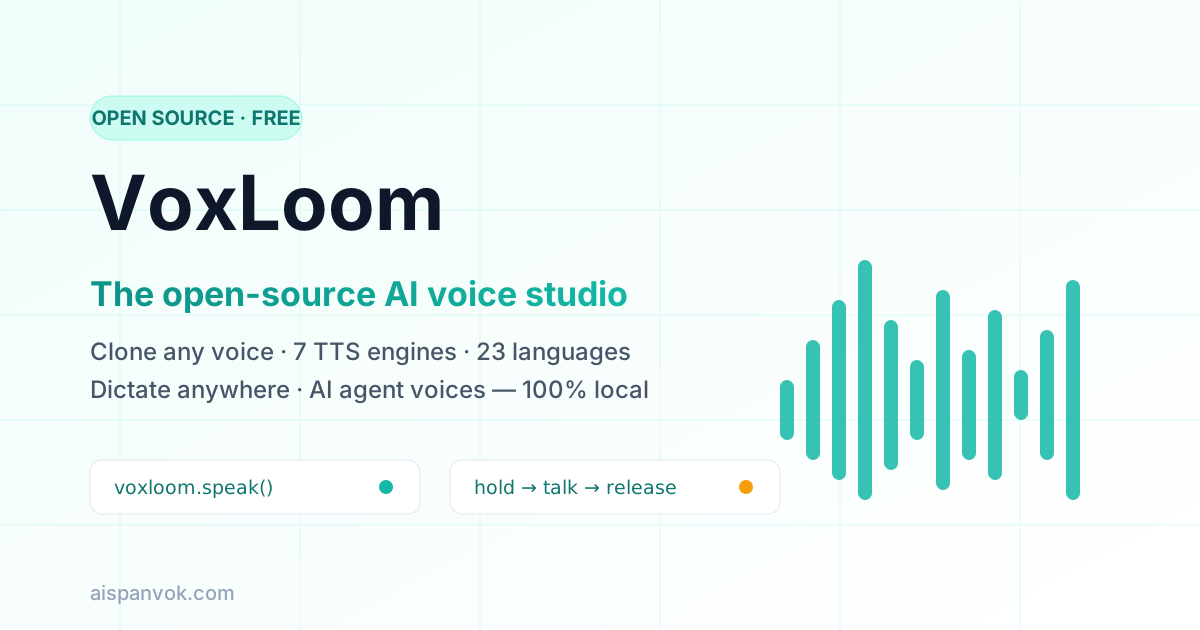
VoxLoom is a free, local-first alternative that does both halves in one app — and runs the entire loop locally on your machine.
The short version
| VoxLoom | ElevenLabs | WisprFlow | |
|---|---|---|---|
| Voice cloning | ✅ Local, zero-shot | ✅ Cloud | ❌ |
| Text-to-speech | ✅ 7 engines, 23 languages | ✅ Cloud | ❌ |
| System-wide dictation | ✅ | ❌ | ✅ Cloud |
| AI agent voices (MCP) | ✅ | ❌ | ❌ |
| API | ✅ Local REST + MCP, no keys | ✅ Metered, key required | ❌ |
| Runs offline | ✅ | ❌ | ❌ |
| Price | Free (limited time) | $5–330/month | $144/year |
The trade-off is simple: you need your own hardware (an Apple Silicon Mac, an NVIDIA GPU, or a ROCm/Arc card), and you install an app instead of creating an account. In exchange, generation is unmetered, your voice data never leaves the machine, and you get an API with no rate limits.
Why look beyond per-character pricing
The economics of cloud voice services bite hardest for heavy users. A single YouTube narration can run 800–1,500 words. Audiobooks, podcasts, game dialogue, and localization multiply that quickly, and free tiers evaporate. Meanwhile, dictation subscriptions add a second recurring bill on top.
There is also the privacy question. Your voice is one of the most personal identifiers you own. Cloud pipelines ship your reference audio, your scripts, and your rough spoken drafts to third-party servers. For lawyers, healthcare workers, and anyone handling sensitive material, that is a hard no — and “we don’t train on your data” is a policy that can change, not an architectural guarantee.
Local-first tools flip the default: the data path physically never touches the network. Privacy stops being a promise and becomes a property of the system.
What VoxLoom actually is
VoxLoom is a local-first AI voice studio built with Tauri (Rust) — a native desktop app, not an Electron wrapper. It bundles the full voice stack into one installer:
- Zero-shot voice cloning — clone a voice from a few seconds of reference audio, no fine-tuning
- 7 TTS engines in 23 languages — from English to Arabic, Japanese, Hindi, and Swahili
- System-wide dictation — a global hotkey that works in any app: hold, speak, release
- Agent voices — a built-in MCP server so AI agents can speak in voices you own
- Stories editor — a multi-track timeline for podcasts, conversations, and narratives
- Audio effects — pitch shift, reverb, delay, chorus, compression, and filters
- Local REST API — every engine becomes an endpoint on
localhost, no keys, no quotas
The seven engines
Most open-source voice tools give you one model and a Python environment. VoxLoom ships seven engines behind one interface, so you can pick per project:
| Engine | Best for |
|---|---|
| Qwen3-TTS (0.6B / 1.7B) | High-quality multilingual cloning with voice instructions |
| Qwen CustomVoice | 50+ preset voices with natural-language delivery control |
| Chatterbox Multilingual | Conversational multilingual speech |
| Chatterbox Turbo | Expressive paralinguistic tags — [laugh], [sigh], [gasp] |
| LuxTTS | Ultra-lightweight (~1GB VRAM), 48kHz, fast on CPU |
| HumeAI TADA | Emotionally expressive delivery |
| Kokoro | Compact, fast preset voices |
Speech-to-text runs on Whisper in five sizes (base through large, plus Turbo), with a bundled Qwen3 1.7B local LLM that refines raw transcripts — stripping filler words and self-corrections without rephrasing your meaning.
Voice cloning, locally
Cloning is zero-shot: record or drop in a reference clip, and the voice is added to your library immediately. Because inference happens on your GPU (Metal on macOS, CUDA on Windows and Linux, ROCm for AMD, plus Intel Arc), it stays responsive and works fully offline. A cloned voice works everywhere in the app — generation, dictation replies, and agent speech.
Dictation into any app
This is the WisprFlow half. Press and hold a global hotkey, speak, release — your words land in whatever field is focused, in any application. Push-to-talk and toggle modes are both supported, auto-paste is accessibility-verified on macOS, and every capture keeps its original audio alongside raw and refined transcripts, archived and searchable.
Give your agents a voice
The most distinctive feature is the built-in MCP server. One tool call — voxloom.speak — and an MCP-aware agent such as Claude Code, Cursor, or Cline speaks its answer aloud in a voice you’ve cloned. Bind each client to its own voice profile and you can tell which agent is talking without looking at the screen. Every agent-initiated speech surfaces a visible pill, so nothing speaks silently in the background.
Voice profiles can also carry personas — free-form character descriptions processed by the bundled local LLM. Compose a fresh line in character, rewrite your text in their voice, or have the persona respond to a message; agents can invoke the same modes over MCP.
Who it is for
- Content creators — audiobook narration, YouTube voiceovers, podcast intros. Unlimited length with auto-chunking and crossfade, in any voice you own the rights to.
- Developers — a localhost REST API with no keys and no rate limits. Wire voice into apps, games, and scripts; generate NPC dialogue on the fly; or replace a cloud TTS line item entirely.
- AI power users — agents that talk back, per-agent voice profiles, and persona-driven generation, all local.
- Privacy-sensitive teams — legal, healthcare, finance: the audio never leaves the device, full stop.
Getting started
- Download the installer for your platform — macOS (Apple Silicon), macOS (Intel), Windows MSI, or run
docker compose upfor a containerized setup. - Pick your first engine. Kokoro and LuxTTS are light and run almost anywhere; Qwen3-TTS is the quality ceiling.
- Drop in a few seconds of reference audio to clone a voice, or start with the 50+ preset voices.
Honest limitations
No tool is right for everyone, and VoxLoom is no exception:
- Hardware matters. The top-tier engines want a real GPU. If you are on an older CPU-only machine, stick to Kokoro, LuxTTS, and the smaller Whisper models.
- Setup is an install, not a signup. You download models (multi-GB for the large engines) on first use — after that, everything is offline.
- License diligence. VoxLoom is free for a limited time, but individual engines carry their own licenses. Check the engine’s terms before commercial use — same as with any TTS stack.
- Cloud conveniences. If you need studio-grade dubbing workflows or a browser tool on a locked-down machine, a hosted service may still fit better.
For everything else — unmetered generation, private cloning, dictation, and agents that speak — VoxLoom covers the whole loop for the price of your existing hardware.
Frequently asked questions
Is VoxLoom really a free alternative to ElevenLabs?
Yes. VoxLoom is free for a limited time, with no accounts, no subscriptions, and no per-character billing. Voice cloning and speech generation run locally on your hardware, so there is no usage meter at all.
Can VoxLoom clone my voice?
Yes. VoxLoom supports zero-shot voice cloning from a few seconds of reference audio — no fine-tuning required. Cloned voices work across all seven built-in TTS engines and can be used for dictation replies, agent speech, and the Stories editor.
Does VoxLoom work offline?
Yes. All TTS engines, Whisper speech-to-text, and the bundled local LLM run on your machine. Once models are downloaded, no internet connection is needed for any core feature.
What hardware does VoxLoom need?
VoxLoom runs on macOS (Apple Silicon via Metal/MLX or Intel), Windows x64 with CUDA, and Linux with CUDA, AMD ROCm, or Intel Arc. Docker is also supported. The lightweight LuxTTS engine runs on as little as ~1GB of VRAM, and Whisper base/small models run on CPU.
How is VoxLoom different from a single open-source TTS model like GPT-SoVITS or Kokoro?
Single models give you one voice pipeline that you install and run yourself. VoxLoom is a complete studio: it bundles seven engines, voice cloning, system-wide dictation, a Stories editor, audio effects, voice personas, and a local REST API plus MCP server — all in one native desktop app, no Python setup required.
Can I use VoxLoom for commercial projects?
Yes, subject to each engine's license. VoxLoom runs locally and is free for a limited time, and several bundled engines permit commercial use. Always verify the license of the specific engine you use for commercial work, and only clone voices you have the rights to.